A PeerTube client for Apple TV

Watch the video network nobody owns on your telly.

BufferedTV brings PeerTube to your Apple TV: thousands of independent video sites in one app, full screen from the sofa. There are no adverts, and nothing tracks what you watch.

What’s PeerTube?

Video, without anyone in charge of it.

The big video sites each belong to one company, which decides what you see and sells your attention to pay for it. PeerTube works differently, and it only takes three steps to explain.

Six independent video sites, joined by lines as they share videos with each other, and an Apple TV running BufferedTV connected to one of them, receiving videos from all of them. framatube.org tilvids.com video.blender.org peertube.tv tube.tchncs.de your instance
  1. Lots of small video sites

    PeerTube isn’t one website. It’s thousands of small ones, run by universities, charities, communities and people at home. Each one is called an instance, and hosts its own videos.

  2. Sharing with each other

    Instances follow one another, a bit like people do on social media. Follow another instance and its videos turn up on yours, so it all joins up into one big network that nobody owns.

  3. One app to watch the lot

    BufferedTV connects your Apple TV to an instance, and through it to everything else. Search the whole network and it plays what it finds, wherever it lives: full screen, on your telly.

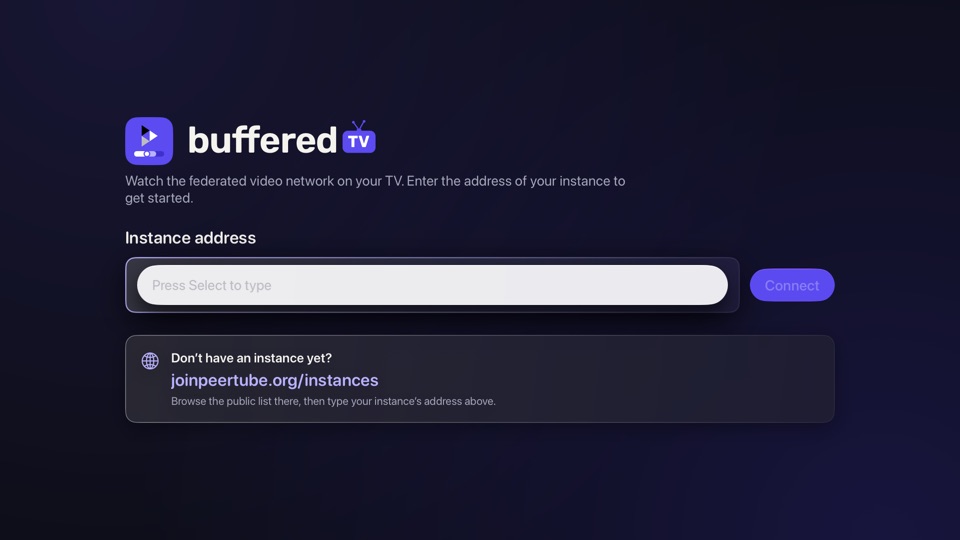
You don’t need to understand any of this to use it. Type in the address of an instance, such as tilvids.com or framatube.org, and start watching. You can sign in if you have an account there, or just browse.

Features

Made for the big screen and the whole network.

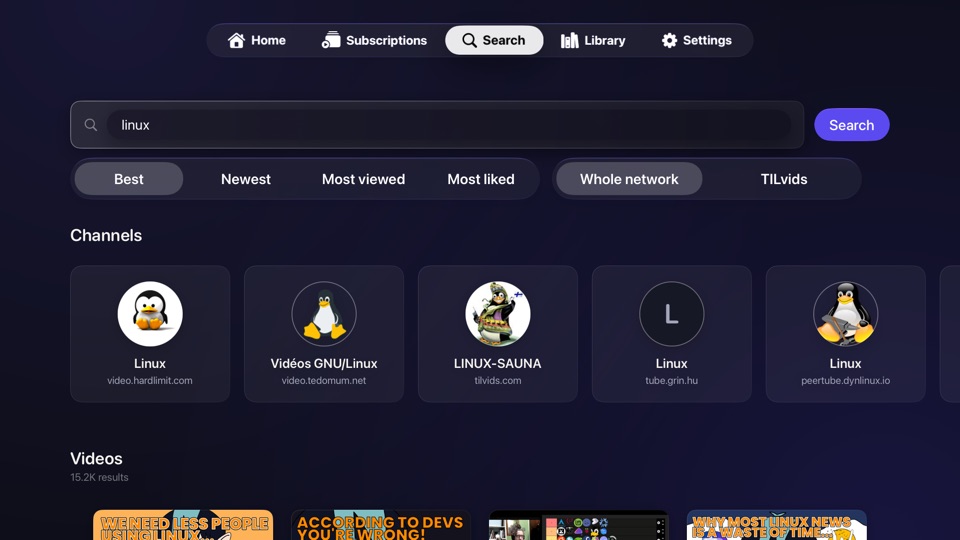
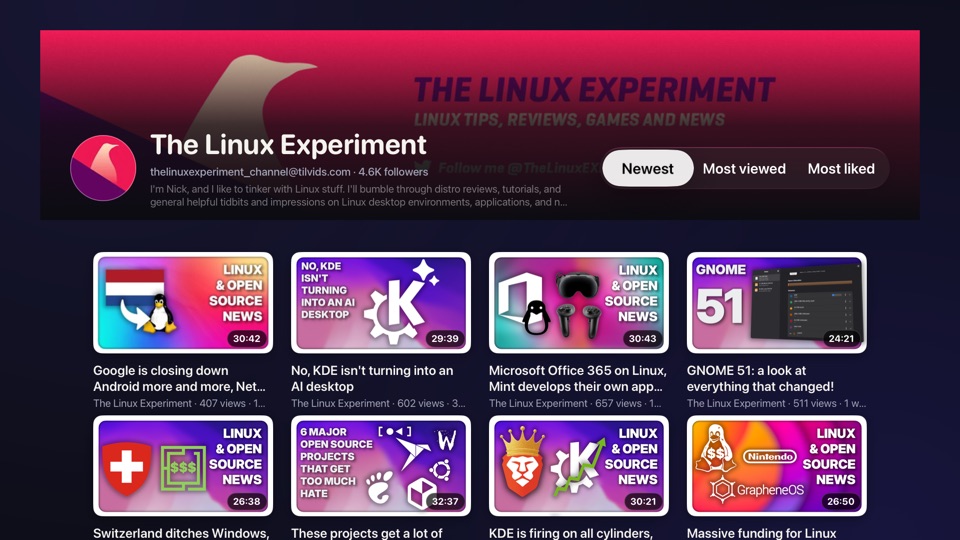
Searching for “linux” across the whole network: channels from five different instances, then videos.

Find it, wherever it lives

Most PeerTube apps only search the server you signed in to, so a channel you know exists often won’t turn up. BufferedTV searches the whole network by default and plays what it finds, from wherever it’s hosted.

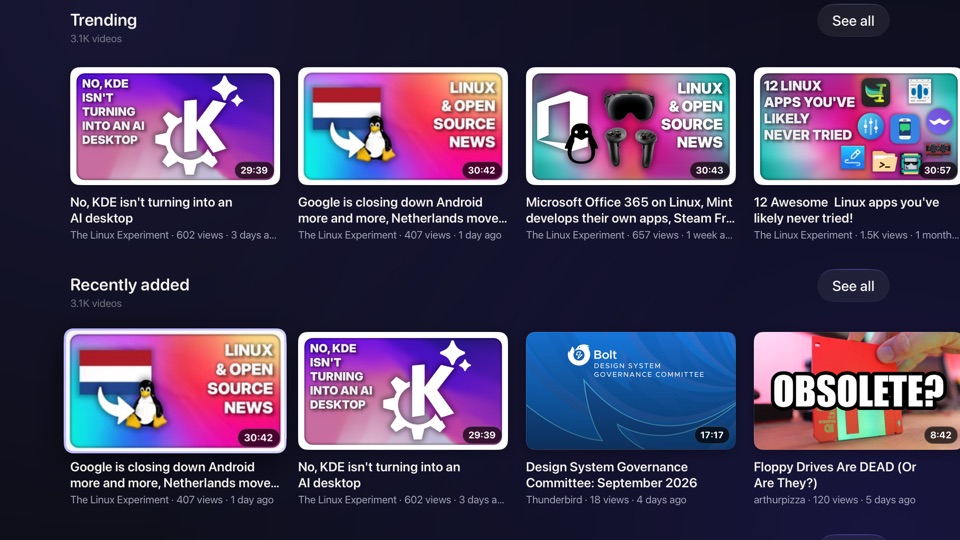
There’s plenty to browse too: trending, just added, live right now, top rated, and whatever’s local to your instance.

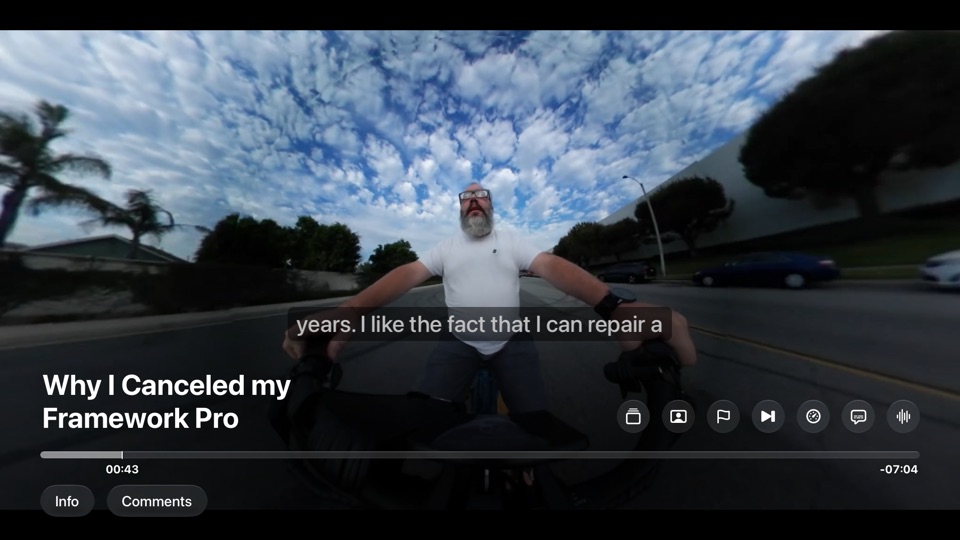
A video playing full screen, with its title, the timeline and controls for quality, subtitles and more.

Watch it properly

Videos play full screen at the best quality the instance published, not whatever your connection settles on in the first few seconds. Quality, subtitles, audio tracks and speed are a swipe away.

Where you got to syncs back to your instance, so you can finish it on your phone later.

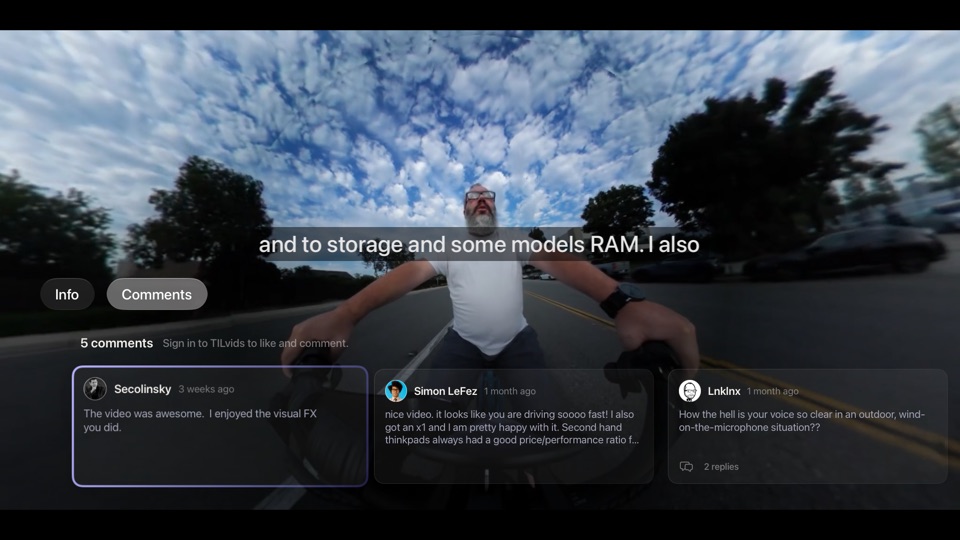
The Comments tab open over a playing video, with a row of comment cards.

Have your say

Like or dislike a video without leaving it. Swipe down to the Comments tab to read what people thought, reply, or add your own. Dictate it with the remote rather than typing on a telly.

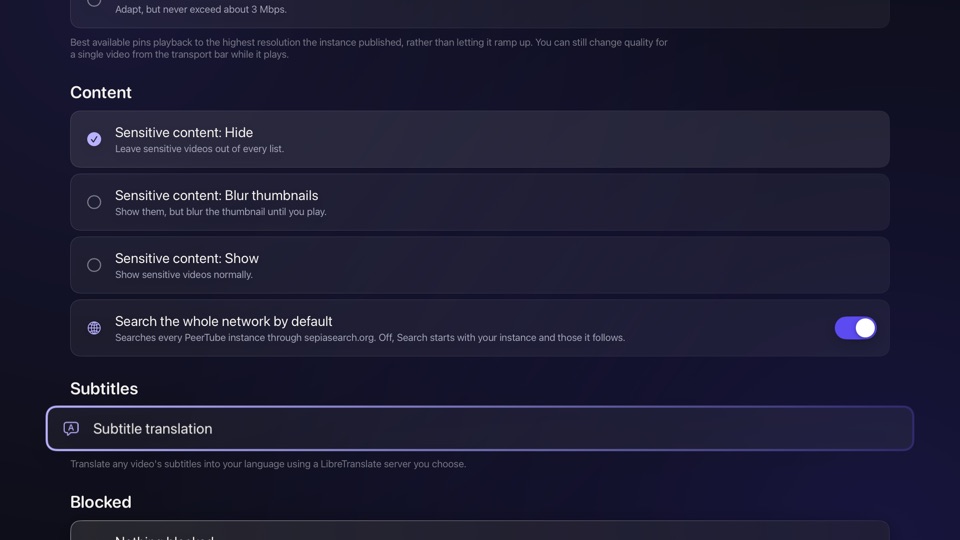
Settings, showing sensitive content hidden, whole-network search switched on, and subtitle translation.

Subtitles in your language

PeerTube has no borders, which is lovely until the video you want is captioned in a language you don’t read. Point BufferedTV at a LibreTranslate server, free software you can run at home, and it translates the subtitles while you watch.

It’s off until you switch it on, and the text only goes to the server you choose.

Sign in, or don’t

Bring your subscriptions, playlists, Watch Later and history from any instance, with two-factor sign-in. Or just browse, and sign in later if you like.

At home on Apple TV

The Top Shelf fills with what’s trending and what you were part-way through. Control Centre, the Siri Remote’s TV button, Siri and Shortcuts all work.

Block what you don’t want

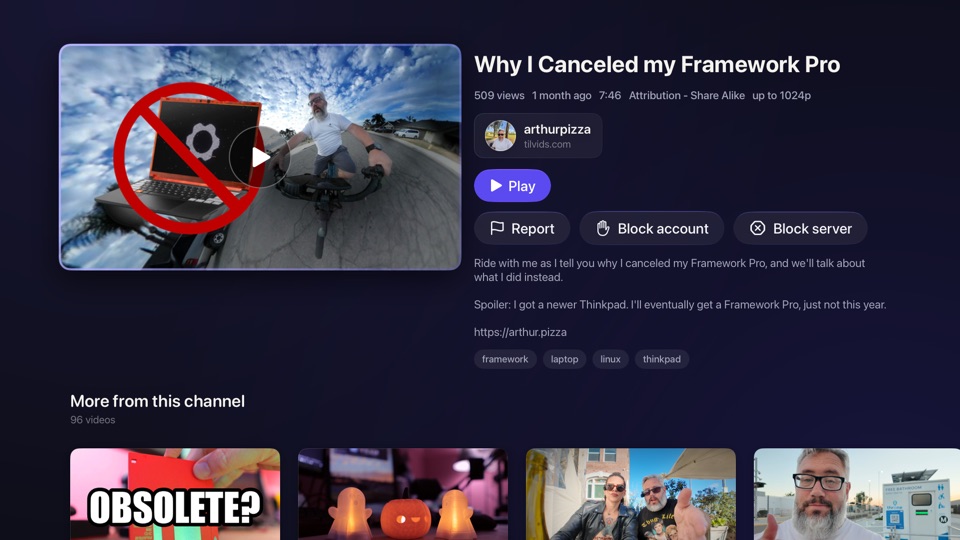
Block an account, or a whole server, and it disappears everywhere, comments included. Report anything worse to the moderators, straight from the video.

No tracking

The app has no analytics, adverts or third-party code, and there’s no BufferedTV server for your data to go to. Read the privacy policy.

Screenshots

Have a look around.

Questions

Good to know.

Do I need an account?

No. Pick an instance and browse, search and watch without one. An account on an instance adds subscriptions, playlists, Watch Later, history, likes and comments, and you can sign in whenever you like.

Which instance should I choose?

Any you like: each has its own videos and its own rules, and whichever you pick, you can search the whole network from it. If you already have a PeerTube account, use the instance it’s on. If not, joinpeertube.org keeps a list of public ones.

Is BufferedTV made by PeerTube?

No. BufferedTV is an independent app for PeerTube, built by Ric Harvey and supported by SquareCows. PeerTube itself is made by Framasoft, a French non-profit, whose logo appears in ours with their permission.

Which Apple TV do I need?

Any Apple TV that runs tvOS 27 or later.

What about things I’d rather not see?

Sensitive videos are hidden until you choose to show them. You can block an account or a whole server in a couple of clicks, without an account, and report anything that breaks the rules to the moderators.


Open source

Free and open source.

BufferedTV is built with love by Ric Harvey and supported by SquareCows. Every line of it is open to read, and ideas, bug reports and contributions are welcome.

Coming soon

The whole network, on your telly.

BufferedTV is on its way to the App Store for Apple TV.

Get it on the App Store